Automate Certificate Generation with Vura
Certificate management SaaS — issue, verify, and revoke digital credentials.
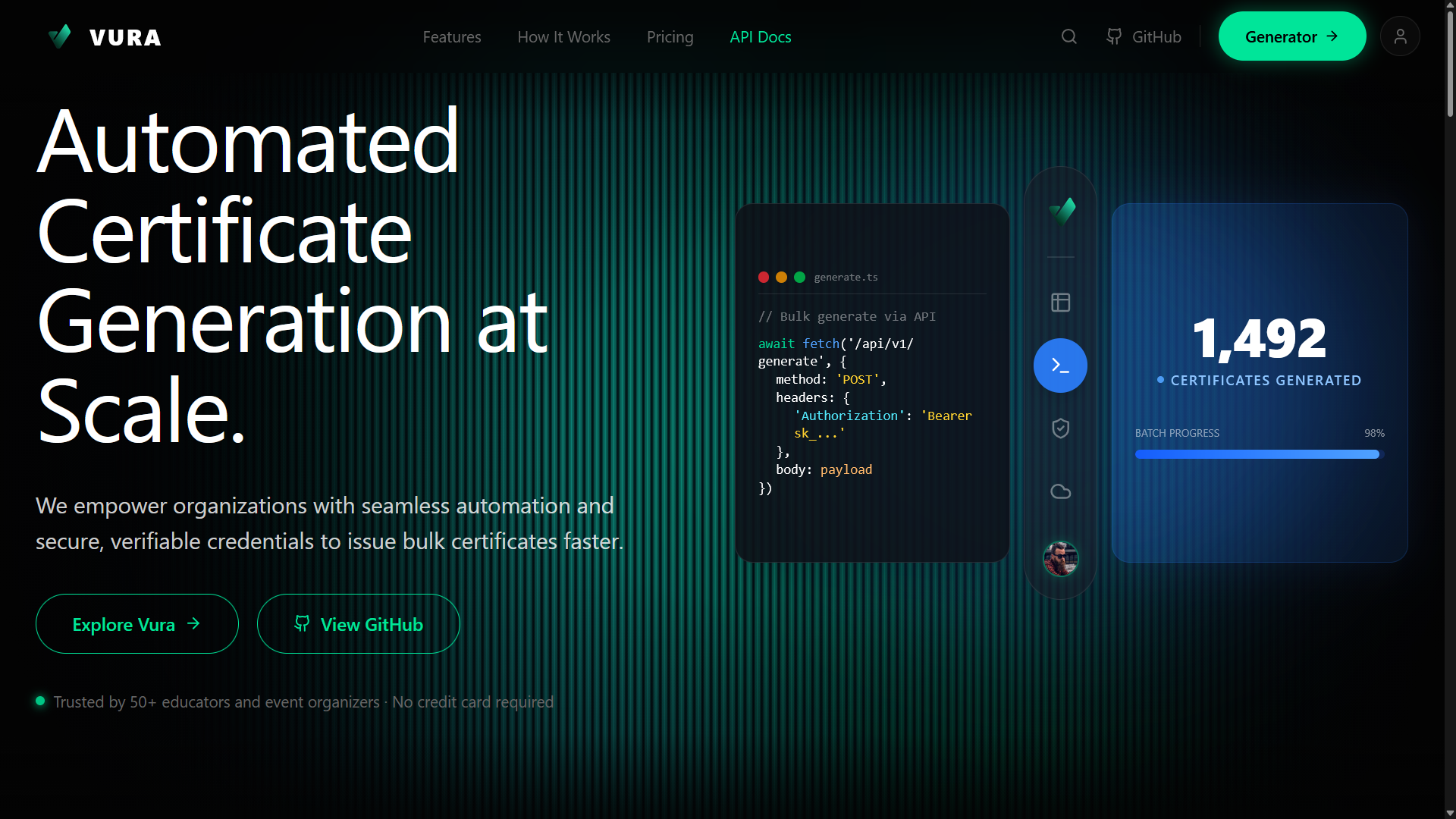
Vura is a production-ready platform that enables event organizers, educators, and trainers to generate and verify bulk certificates instantly with built-in authenticity and digital traceability. Designed to stay out of your way — powerful under the hood, effortless on the surface.
Key Features
- Bulk Generation:: Process thousands of rows from Excel (.xlsx) into pristine PDFs in seconds.
- Unique Verification IDs:: Unforgeable CERT-XXXX identifiers embedded in each document and QR code.
- Instant Verification:: Anyone can scan the QR code to view a public authenticity page in real-time.
- Secure Cloud Storage:: All generated assets automatically stored in AWS S3, metadata in Neon Postgres.
- API Access:: Generate certificates from any system using your secret API key. Works with OpenClaw, Zapier, Telegram bots, and more.
- Usage Analytics:: Track every API call — endpoint, status, certificate ID, timestamp — in your personal usage dashboard.
- Google & Email Authentication:: Secure login with multiple auth providers.
- Custom Branding:: Pro plan supports custom certificate branding for organizations.
How It Works
- Upload Template:: Drop your blank PDF certificate design. Markers are placed automatically for name, course, and date fields.
- Map Your Data:: Upload an Excel file with columns (Name, Course, IssueDate) or call the API to send individual recipient data programmatically.
- Generate, Share & Verify:: Click generate (or call POST /api/certificates/create). Vura builds, uploads to S3, and returns direct PDF + public verify links instantly.
Architecture
- Frontend:: Next.js App Router with TypeScript (98.7% TypeScript codebase)
- Database:: Prisma ORM with Neon Postgres for metadata storage
- Storage:: AWS S3 for generated certificate PDFs and assets
- Auth:: Google & Email login with session management
- API Layer:: RESTful API with secret key authentication for programmatic access
- Deployment:: Vercel with GitHub Actions CI/CD pipeline
- Dashboard:: Real-time certificate management, search, and usage analytics
How to Use Vura
- Create an Account:: Head to vurakit.vercel.app and sign up with Google or Email — no credit card required on the free tier.
- Design Your Certificate:: Upload a blank PDF certificate template. Vura automatically detects placement markers for the recipient name, course title, and issue date.
- Prepare Your Data:: Create an Excel (.xlsx) file with columns: Name, Course, and IssueDate. Each row represents one certificate recipient.
- Upload & Generate:: Drop your Excel file in the dashboard. Click "Generate" and Vura processes every row into individual PDFs with unique CERT-XXXX IDs and embedded QR codes.
- Share & Verify:: Each certificate gets a direct PDF download link and a public verification URL. Recipients (or anyone) can scan the QR code to verify authenticity in real-time.
- API Integration (Advanced):: Go to your dashboard, generate a secret API key, and call POST /api/certificates/create to generate certificates programmatically from any system — Zapier, Telegram bots, custom apps, etc.
- Track Usage:: Monitor every API call, certificate status, and generation history in the built-in analytics dashboard.
How I Built It
I started Vura because I saw how painful manual certificate generation was for event organizers — they'd spend hours in Canva or Word editing names one by one. I wanted to automate the entire pipeline.
I chose Next.js App Router for the frontend because it offers server-side rendering, API routes, and file-based routing all in one framework. The entire codebase is TypeScript (98.7%) for type safety across the stack.
For the database, I used Prisma ORM connected to Neon Postgres. Prisma made schema migrations painless and gave me type-safe database queries. Every certificate's metadata (recipient name, cert ID, S3 URL, issue date, verification status) is stored here.
The core challenge was PDF generation at scale. I built a pipeline that takes the uploaded PDF template, overlays dynamic text (name, course, date) and a unique QR code using server-side PDF manipulation, then uploads the finished PDF to AWS S3. The QR code encodes a public verification URL that links to a verify/[id] page.
Authentication was implemented with Google and Email sign-in, with session management handling user dashboards. I added an API key system so power users could integrate certificate generation into their own workflows — each API call is logged with endpoint, status, cert ID, and timestamp.
Deployment runs on Vercel with a GitHub Actions CI/CD pipeline for automated builds and deployments on every push to main.
Stats
- 500+ certificates generated
- 20+ organizations using the platform
- 99.9% uptime SLA
- <2s average generation time